
Master WordPress in 2026:
The Complete Builder’s Handbook
WordPress in 2026 is not the software your cousin used to build a blog in 2010. It is a sophisticated, extensible publishing platform that powers everything from solo newsletters to Fortune 500 intranets — and understanding it deeply is one of the highest-leverage skills in the modern web.
The FoundationWhy WordPress Still Wins in 2026
The web has never had more options for building sites. Yet WordPress maintains its commanding position, now powering 43.4% of all websites. The answer is ecosystem gravity: more themes, plugins, tutorials, and developers than any competing platform by orders of magnitude.
When you choose WordPress, you are not choosing a product. You are joining an ecosystem of hundreds of thousands of people all pulling in the same direction — an open-source commons that has compounded value for over two decades.

The Architecture You Need to Understand
WordPress is built on PHP, MySQL, and a powerful system of hooks and filters that let you modify almost any behavior without touching core files. Understanding this architecture is the difference between using WordPress and mastering it.
Actions and Filters: The Hook System
The WordPress hook system is one of the most elegant plugin architectures ever designed. Actions let you attach custom code to specific moments in WordPress execution. Filters let you modify data before it is displayed or saved — all without touching a single core file.
Pro Tip: The hook system is why WordPress has survived 20+ years of internet evolution. Your customizations live in plugins that hook into core — meaning every WordPress core update is safe. Never modify core files directly.
The Block Editor (Gutenberg)
Introduced in WordPress 5.0, the Gutenberg block editor was controversial at launch and is now its most powerful feature. With Full Site Editing (FSE), your entire site layout — header, footer, sidebars, page templates — is built with blocks. If you can write a post, you can design a website.
The Gutenberg editor did not just change how you write in WordPress. It changed what WordPress is.Sarah Gooding, WP Tavern
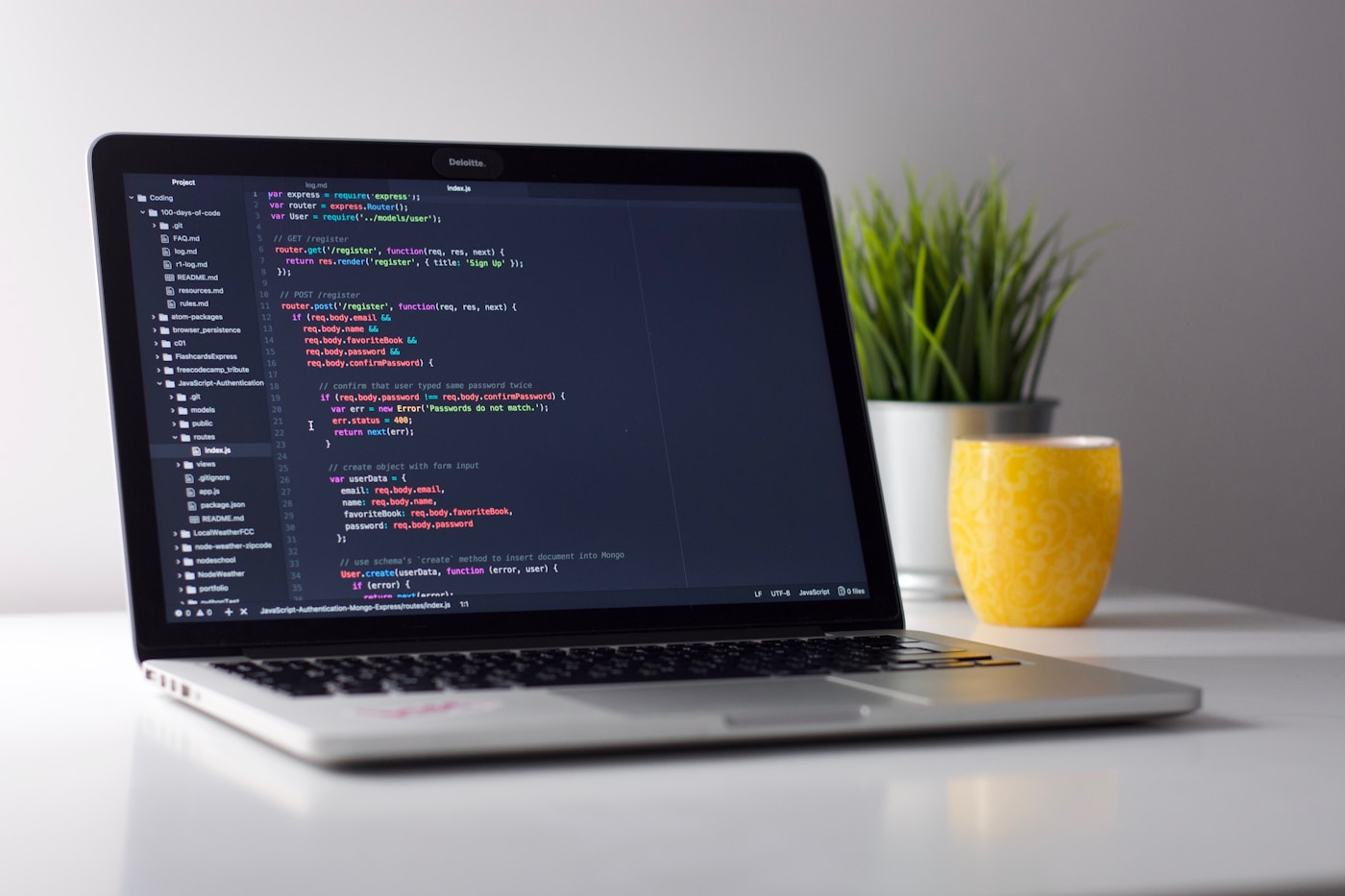
WordPress theme development — Unsplash

Plugin development in a modern IDE — Unsplash
The Plugin and Theme Ecosystem
The real power of WordPress is what people have built on top of it. The free plugin repository contains over 60,000 extensions. Add commercial plugins and you have over 100,000 ways to extend your site without writing a line of code.
- ✓WooCommerce — Turns any WordPress site into a full e-commerce store. Powers 28% of all online shops worldwide.
- ✓Elementor and Divi — Drag-and-drop page builders that enable pixel-perfect designs without code.
- ✓Yoast SEO and Rank Math — Comprehensive search engine optimization tools used on tens of millions of sites.
- ✓Advanced Custom Fields — Extends WordPress with custom data structures for truly custom content types.
- ✓WP Rocket and LiteSpeed Cache — Performance optimization that can transform a slow site in minutes.

Making WordPress Blazing Fast
A well-optimized WordPress site in 2026 can achieve Core Web Vitals scores that rival any JavaScript framework. Here are the four moves that matter most:
Choose Managed Hosting
Kinsta, WP Engine, and Cloudways are optimized specifically for WordPress. Server-level caching and auto-scaling are worth the premium.
Install a Caching Plugin
WP Rocket or LiteSpeed Cache can reduce server response times by 80% by serving pre-built HTML instead of regenerating pages.
Optimize Every Image
Use WebP format, enable lazy loading, and compress images before uploading. Images are the single biggest performance killer.
Add a CDN
Cloudflare free tier alone can dramatically improve global load times by serving assets from edge servers near your visitors.
Test Before You Optimize
Always run a baseline PageSpeed Insights test before making any changes. Know your starting score, then optimize one variable at a time so you know exactly what is making the difference.

Keeping Your WordPress Site Safe
WordPress popularity makes it a target. The risk is entirely manageable with disciplined practices applied consistently.
- ✓Keep WordPress core, themes, and plugins updated. The majority of hacks exploit known vulnerabilities in outdated software.
- ✓Use strong, unique passwords and enable two-factor authentication on all admin accounts.
- ✓Install a security plugin like Wordfence or Solid Security for real-time firewall and malware scanning.
- ✓Implement daily automated backups stored off-site. Backups are your insurance policy when everything else fails.
Security is not a feature you add to a website. It is a mindset you build into every decision, from choosing a host to writing a plugin.Wordfence Threat Intelligence Team, 2025 Annual Report

The Future of WordPress
The WordPress roadmap focuses on collaboration: real-time multi-author editing, version history for blocks, and a redesigned site management interface. AI is the biggest wildcard — native AI features are already appearing in Gutenberg, generating content, suggesting alt text, and recommending block patterns.
One thing is certain: WordPress has survived every challenge thrown at it for 23 years by doing what open-source software does best — adapting, incorporating the best ideas from wherever they come, and leaning on a community of millions who have a stake in its success.
Build Something Great on WordPress
Whether you need a blog, a portfolio, or a full business site, the Pro Guard team can help you design, build, and launch beautifully.
Book a Free Consultation